
In this idea
You have products, a working checkout and a launch date. Email marketing can feel like a job for later, when there are more customers and someone else to write it.
Start now, but start small. Every visitor you bring to the store needs a sensible next step: a way to stay in touch, help with a buying decision, or support after ordering. A few carefully built emails can provide those steps while you learn what people actually need.
You do not need a sprawling automation map before your first sale. You need a small system you can understand, test and maintain.
01 / STARTING OUT / EMAIL
Give the signup a purpose.
Join our newsletter asks people to commit without telling them what they will get. Be specific. Early access to small production runs. Advice on choosing the right size. Recipes for the product they are considering. A welcome offer can work too, provided the numbers make sense.
Illustrative example: a new loose-leaf tea store could offer a short brewing guide and occasional notes on new blends. That promise gives the first email something useful to deliver, even before the subscriber wants to buy.
Keep the initial form short. Put it where it belongs in the shopping experience, and make it easy to dismiss on mobile. Test the success message as carefully as the form: it should explain what happens next.
Collect a clear marketing choice and preserve it when data moves between tools. An address supplied for an order should not quietly become a newsletter subscription. Shopify’s contact collection guidance explains how its marketing subscription settings work.
02 / STARTING OUT / EMAIL
Make sure the plumbing works.
Choose an email platform that fits your store and the work you can realistically do. The useful comparison is whether it can collect consent reliably, receive the events you need, send the journeys you want and make problems visible. A long feature list is less helpful if nobody has time to use it.
Use a recognisable sender name, a reply address someone reads and an authenticated sending domain. Follow your platform’s instructions; authentication details differ between providers. Shopify’s sender setup documentation covers its domain requirements.
Then test the connection with your own profile. Does a signup arrive with the correct subscription status? Does a test checkout appear? Does an order contain the right products? Can someone unsubscribe successfully? Fix missing data before building emails that depend on it.
03 / STARTING OUT / EMAIL
Start with a welcome you can keep.
The first message should fulfil the signup promise. Send the guide, explain the access, or provide the valid offer. Make the next action obvious. A new subscriber should not have to hunt through your origin story to find what they requested.
After that, add only what helps a decision. For a small range, one follow-up explaining which product suits which need may be more useful than a long introduction sequence. Address a real question about fit, materials, use or delivery.
Plan what changes after a purchase. Someone who has already ordered does not need another first-order pitch. They may still appreciate useful product education, but the message should recognise their new situation.
Welcome, abandonment and post-purchase messages are also among Klaviyo’s suggested starting flows. Use that as a practical starting point, then build around your actual customer journey.
EVERGOODS / Welcome / Detail ↗

A closer look
A welcome with something to say.
EVERGOODS introduces the people, products and point of view behind the brand. The useful lesson: make the first message feel like the start of a relationship. Your own welcome should also deliver whatever you promised at signup.
Email by EVERGOODS, archived by Email Love. View the source ↗
04 / STARTING OUT / EMAIL
Help someone finish deciding.
A checkout reminder can be simple: show the relevant items, provide a working return link and make help easy to find. Check recipient eligibility and subscription rules in your setup before enabling it.
Do not assume every unfinished checkout needs a discount. The obstacle might be sizing, delivery timing or a question your product page has not answered. Lead with useful information. Add an incentive only when you have a reason and can afford it.
Check that a completed purchase prevents further recovery messages. If both your store and your email platform offer abandonment emails, pick one system to own each journey. Klaviyo’s abandonment guide specifically calls out the risk of duplicate platform messages.
Start with the event your integration actually captures. Viewing a product, adding it to a basket and starting checkout show different levels of intent. They should not all receive the same urgent reminder.
05 / STARTING OUT / EMAIL
Make the first purchase feel like a good decision.
Keep order and shipping notifications working. Then consider what the buyer needs beyond those updates: assembly instructions, a care guide, a first-use tip or a way to ask for help.
For our illustrative tea store, a brewing note belongs around the product’s arrival. A replenishment suggestion belongs closer to when someone might need more. Sending both immediately after checkout would ignore how the product is used.
Base timing on fulfilment information where available, then check for delays, cancellations and refunds. A customer waiting for a missing parcel is unlikely to welcome a cheerful request for another order.
Keep operational messages distinct from optional marketing. Build a useful experience first; let the next purchase follow a reason to return.
A closer look
The first order has a next chapter.
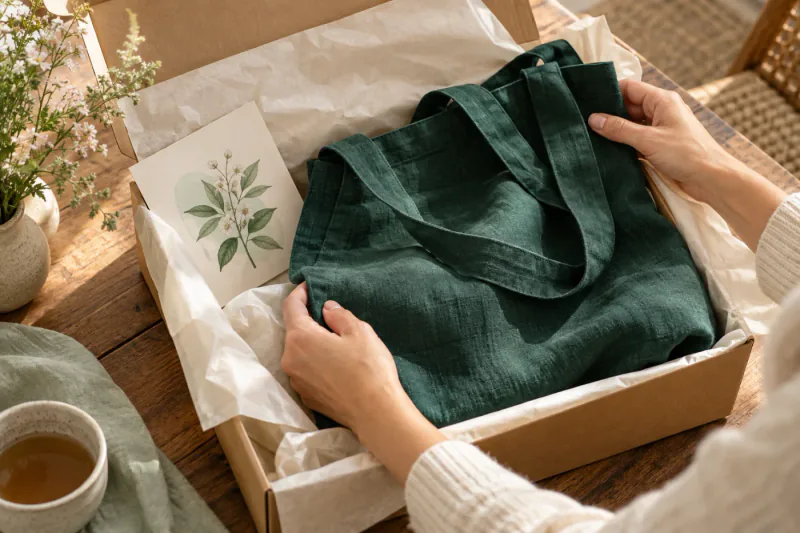
Arrival and first use give you something useful to talk about. Think about the question a customer will have when they open the box, then build an email that helps them answer it.
Original AI-generated editorial illustration by Foolish.
06 / STARTING OUT / EMAIL
Let a small list teach you something.
Once the essentials work, choose a modest campaign rhythm you can sustain. Each send needs a reason: a product explanation, a customer question answered well, a new release or an honest look at how something is made.
Read replies. Watch which products people click, what they ask support and where checkout breaks down. With a small audience, a handful of orders or clicks can move a percentage dramatically. Treat early results as clues, not settled rules.
Use one question to guide the next improvement. Are subscribers receiving the promised content? Are checkout links working? Are buyers asking the same care question? Resolve that before adding another flow.
Before increasing traffic, run a complete test journey:
- Subscribe from a phone and receive the promised welcome.
- Start an eligible test checkout and inspect the reminder.
- Place a test order and verify that recovery messages stop.
- Check product details, links, support replies and unsubscribing.
- Confirm that someone owns the weekly review.
That is a useful launch setup: small enough to look after, complete enough to learn from.
A second thought. A next step.
Start small. Get it right.
Let’s work out which email journeys your store needs first.
Talk it through with us